Looking for a lightweight, free, fast-starting code/text editor on Mac?
Many mainstream editors are powerful, but they easily consume several hundred MB of memory and make your machine laggy right after boot.
This article specifically selects the 6 truly lightweight and completely free Mac editors worth installing right now, and explains which scenarios each one fits.
Why Choose Lightweight Free Editors
When choosing an editor on macOS, many people's first thought is VS Code or IDEA. But if you're only writing scripts, tweaking config files, doing simple front-end work, or your machine has limited memory, heavyweight IDEs will noticeably consume memory and slow down system response.
The core advantages of lightweight editors:
- Fast startup
- Low memory usage
- Focus on text editing, without a bunch of unused features built in
All 6 editors recommended below meet the two hard requirements of "free + lightweight".
How These Recommendations Were Selected
The selection mainly considers the following 4 points:
- Completely free (no forced subscriptions, no paywalls)
- Low startup and memory usage
- Real-world hands-on experience
- Can handle everyday work needs
6 Lightweight Free Mac Editors Worth Recommending
CodeEdit
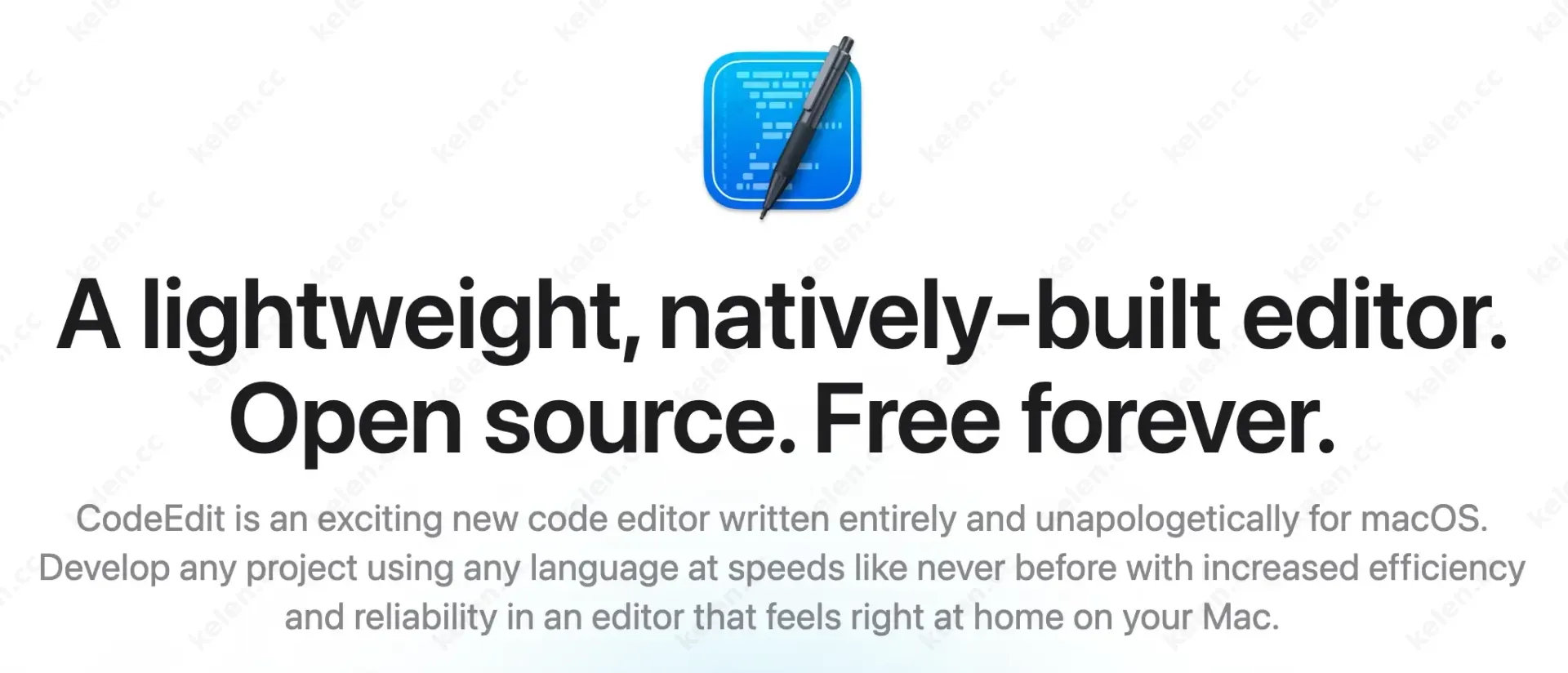
CodeEdit is an open-source native editor built specifically for macOS, with a clean interface that makes full use of system features.
Pros:
- Written in Swift, extremely low memory usage
- Supports syntax highlighting, file tree, multiple tabs
- Continuously updated with an active community
Best for: Users who want a native experience and don't want Electron apps.
CotEditor
CotEditor is a long-standing free open-source editor with lightning-fast startup and a clean interface.
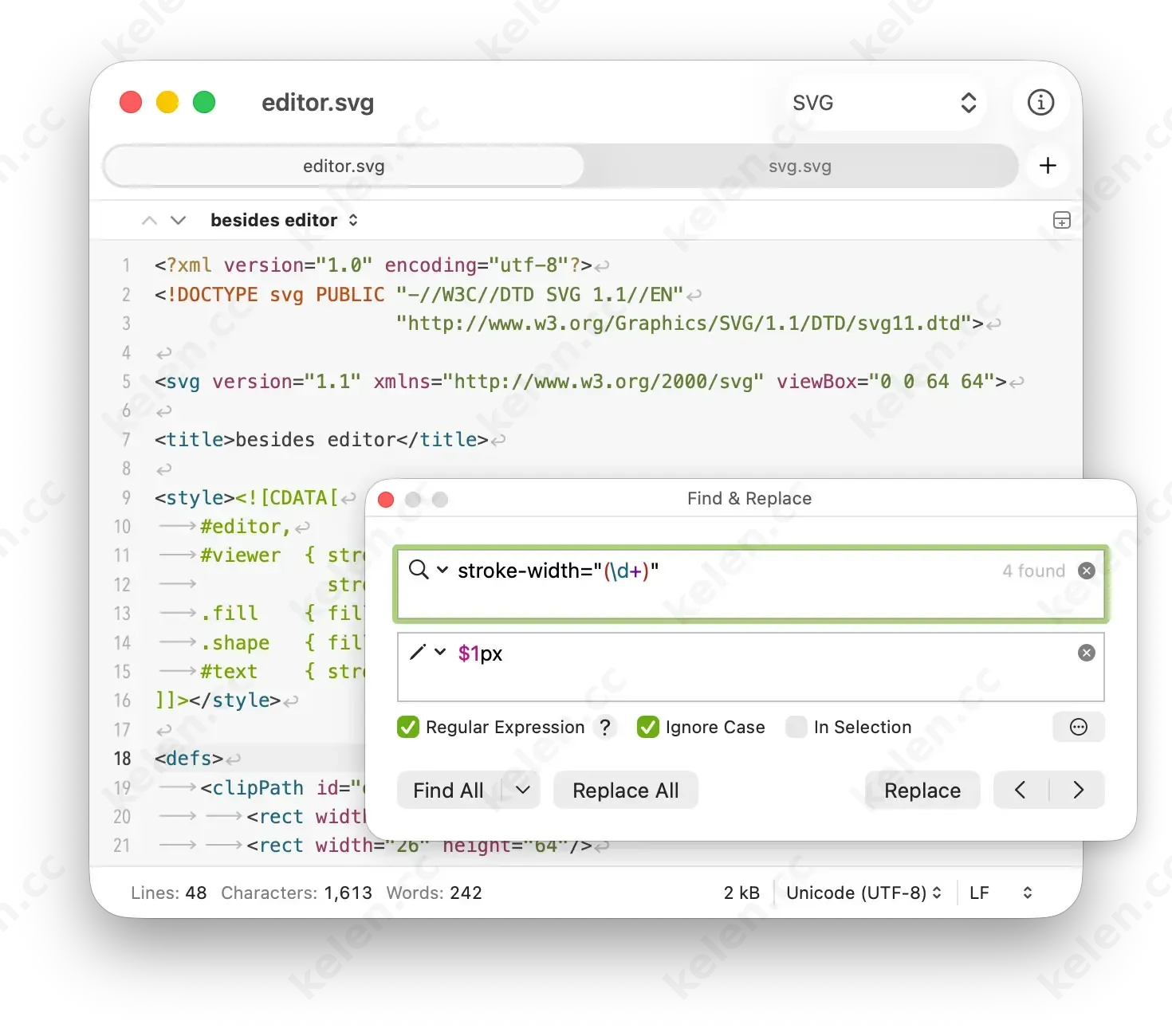
Pros:
- Launches almost instantly
- Supports a rich set of encodings and syntax highlighting
- Customizable themes and shortcuts
Best for: Writing Markdown, editing config files, and everyday text editing.
Zed
Zed is developed by the original team behind Atom and Tree-sitter, focusing on high performance and multiplayer collaboration. It's also my current primary text editor.
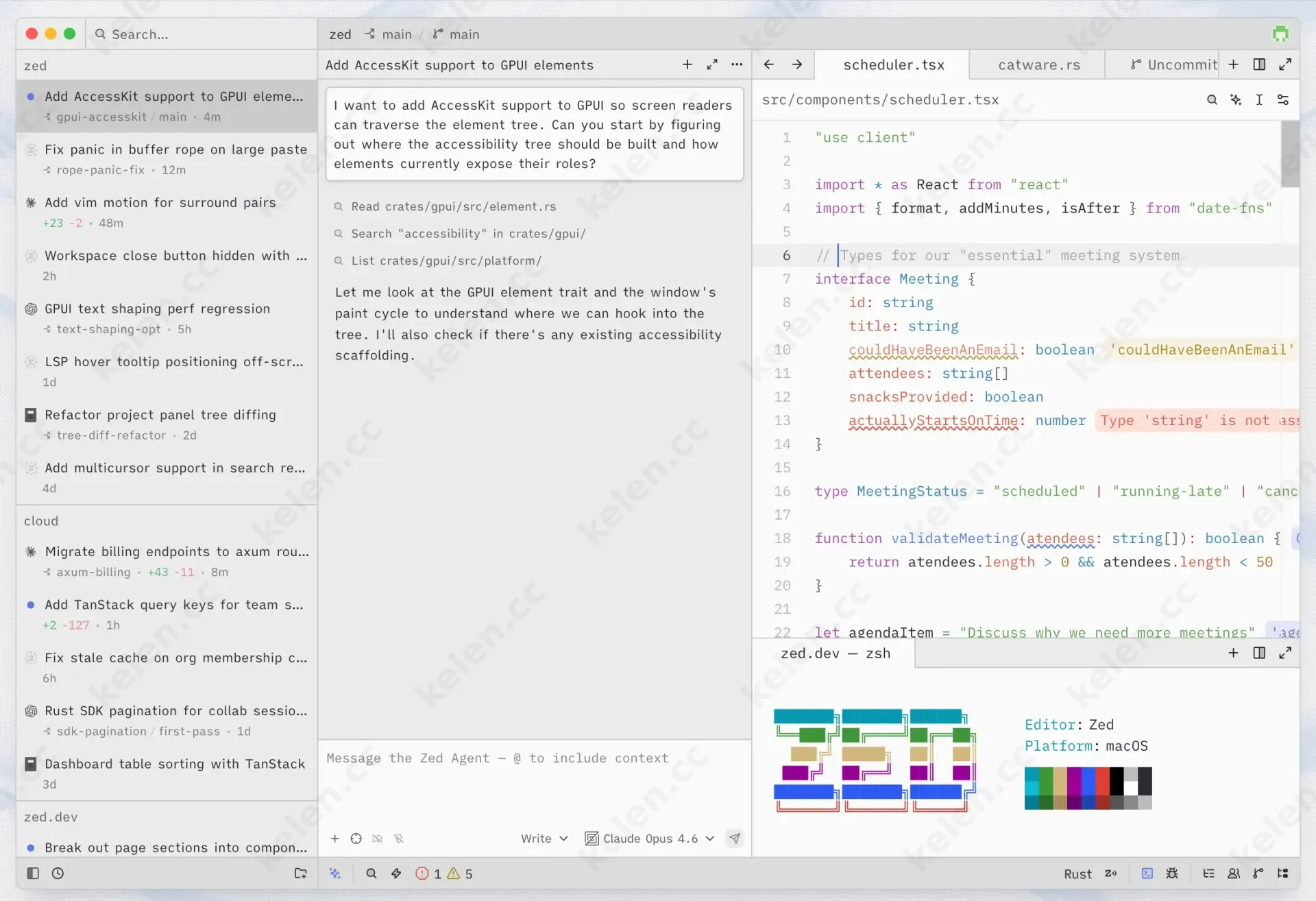
Pros:
- Extremely fast startup and response
- Excellent memory control
- Supports real-time multiplayer collaboration (the free tier is sufficient)
Best for: Developers who need speed and occasionally collaborate.
LiteEdit
LiteEdit is incredibly small – only about 1MB. Can you believe it?
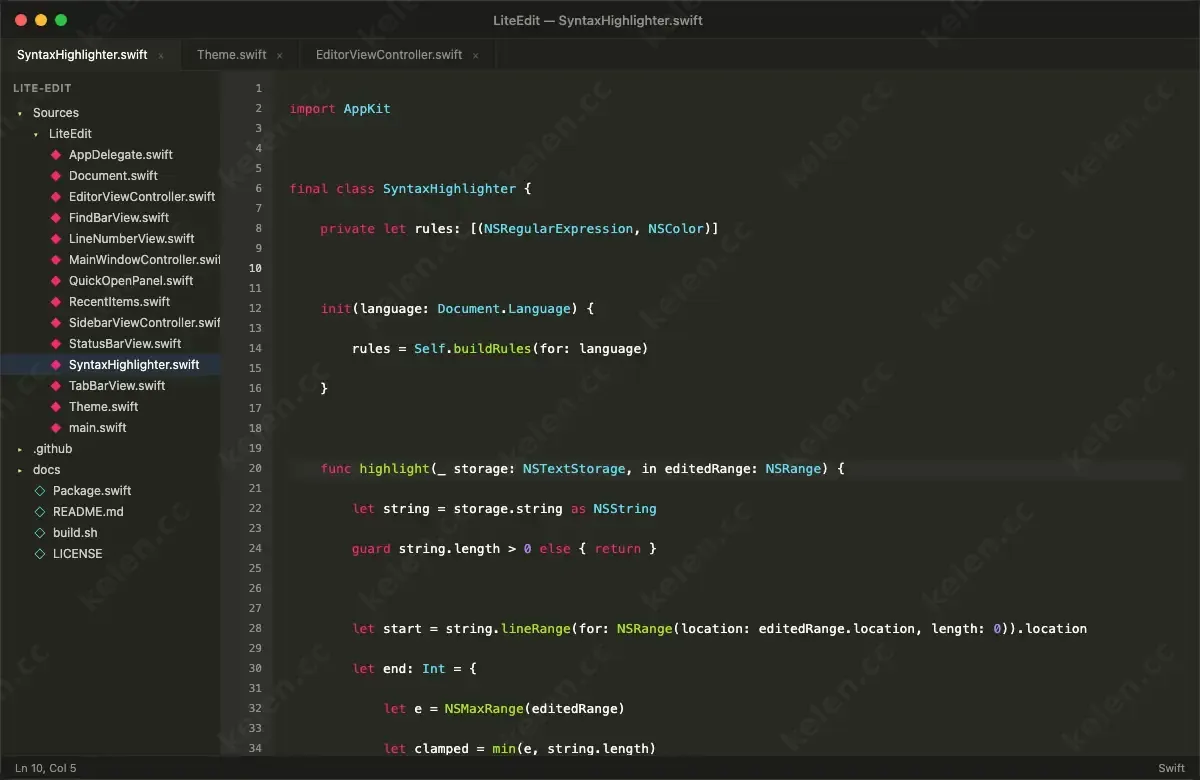
Pros:
- Extremely small installer
- Supports syntax highlighting and a simple file tree
- Uses almost no resources
Best for: Users who are extremely sensitive to size and memory usage.
VSCodium
If you like the VS Code plugin ecosystem but don't want Microsoft to collect your data, you can use VSCodium.
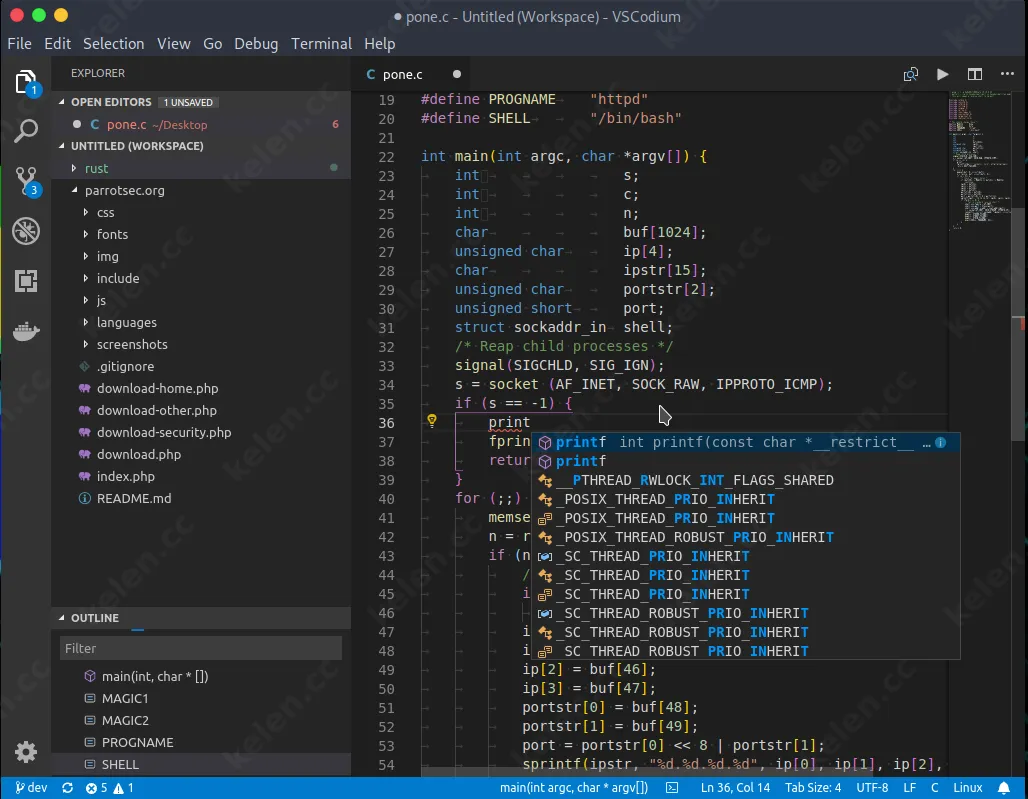
Pros:
- Features are almost identical to VS Code
- Fully open source, no telemetry
- Plugins work as usual
Note: Compared with the previous ones, it is a bit heavier, but still much lighter than a full JetBrains IDE.
micro
If you like working in the terminal, micro is a more friendly choice than nano and vim.
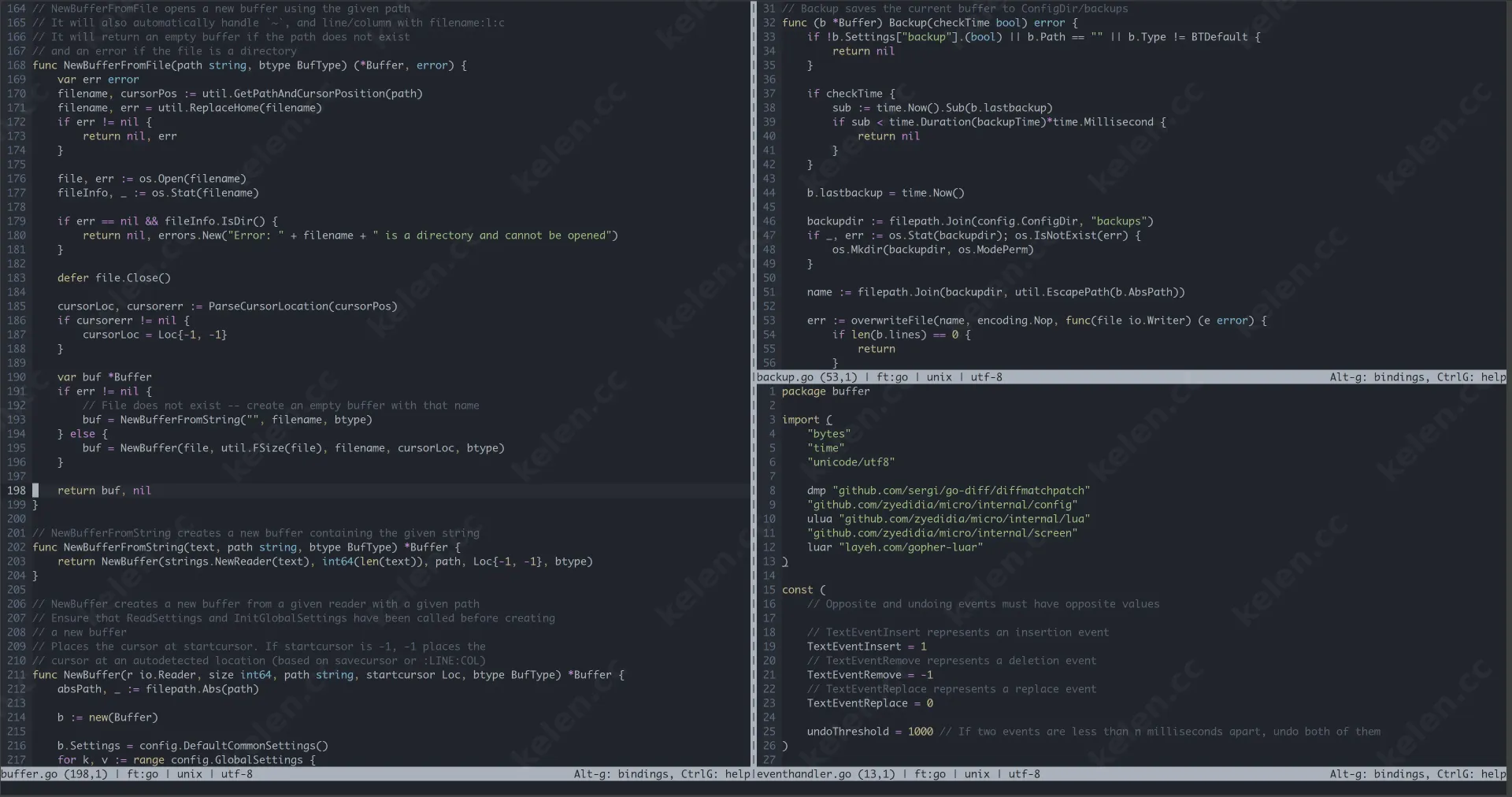
Pros:
- Runs in the terminal with almost zero overhead
- Supports mouse, syntax highlighting, and multiple cursors
- Easy configuration
Best for: Server developers or users accustomed to terminal workflows.
Quick Comparison Table
| Editor | Type | Startup Speed | Memory Usage | Native Level | Recommendation |
|---|---|---|---|---|---|
| CodeEdit | GUI | Fast | Very low | Fully native | ★★★★★ |
| CotEditor | GUI | Extremely fast | Very low | Native | ★★★★★ |
| Zed | GUI | Extremely fast | Low | Near native | ★★★★☆ |
| LiteEdit | GUI | Extremely fast | Extremely low | Native | ★★★★ |
| VSCodium | GUI | Fairly fast | Medium | Electron | ★★★★ |
| micro | Terminal | Instant | Extremely low | Terminal | ★★★★ |
How to Choose the Right Editor for You
- Want the lightest and fastest: Go with CotEditor or LiteEdit
- Want a native Mac experience: Pick CodeEdit
- Need plugins and extensibility: Choose VSCodium
- Often work in the terminal: Use micro
- Occasionally need collaboration: Try Zed
It's recommended to install 1–2 of them and try for 3 days, feel the startup speed and actual memory usage, then decide which one to use long-term.
Summary and Usage Suggestions
By 2026, there are already plenty of truly lightweight and free editors available on Mac. You no longer have to put up with lag just for “complete features.”
The most recommended starter combo is:
- CodeEdit or CotEditor as your daily primary editor
- Open VSCodium temporarily when you need complex plugins
These tools are all open source or completely free. Once installed, you can use them long-term without subscription pressure.
If the editor you're currently using starts slowly and takes up too much memory, why not switch to any of the ones recommended above? You'll notice a clear improvement in experience.