Since you clicked through, you probably already know what muse is, so I will skip the detailed introduction and get straight to the tutorial. I have compiled several registration methods from the community, and you can try them to see which one works.
Preliminary Attempt
Because muse has a strict network-checking mechanism, be sure to switch to a clean US IP address before registering. After switching successfully, try registering with an email address that you do not use frequently. If you see the screen below...
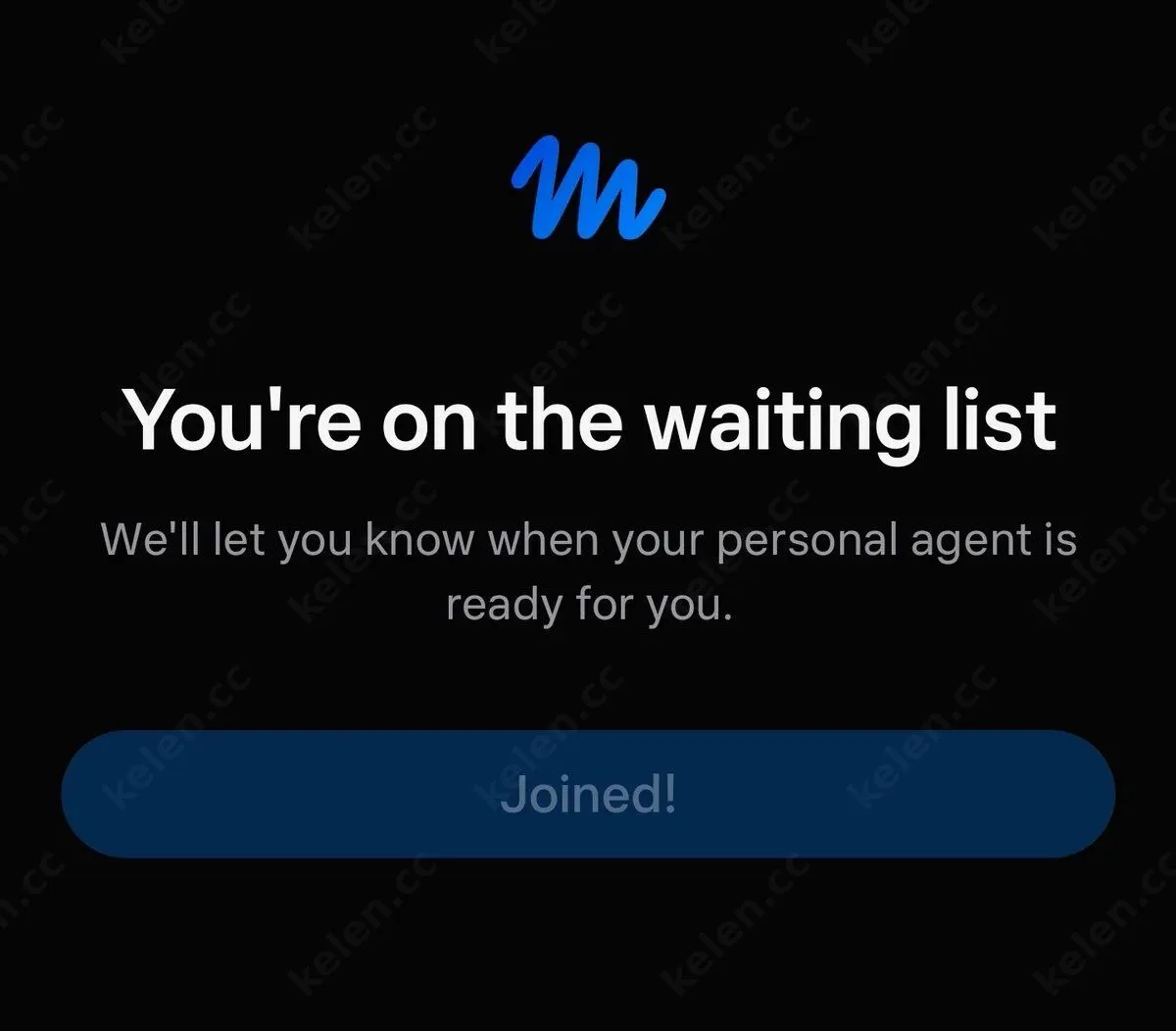
Congratulations, your registration has failed. If it succeeds, you will enter the chat session window directly. If you succeeded, you do not need to read any further—simply enter my invitation code on the Settings -> General page to claim 1 billion tokens. Invitation code: VA6OCS
If your registration failed, continue reading the tutorial. Prepare several more email addresses and give them a try. I successfully registered using the final method.
Note
Remote registration carries certain security risks. It is recommended that you do not enter important information such as bank card numbers. Try registering with an email address first; if it works, use the account directly. If it does not, switch to another method. I was able to register without linking a bank card.
Method 1: gemini spark
Use Gemini Spark to register for you directly. This requires a Gemini pro account. The steps are as follows:
- Open gemini.google.com/spark
- Enter: Access Google through a remote browser
- Take over the task and enter muse.ai in the browser
Method 2: Airtap
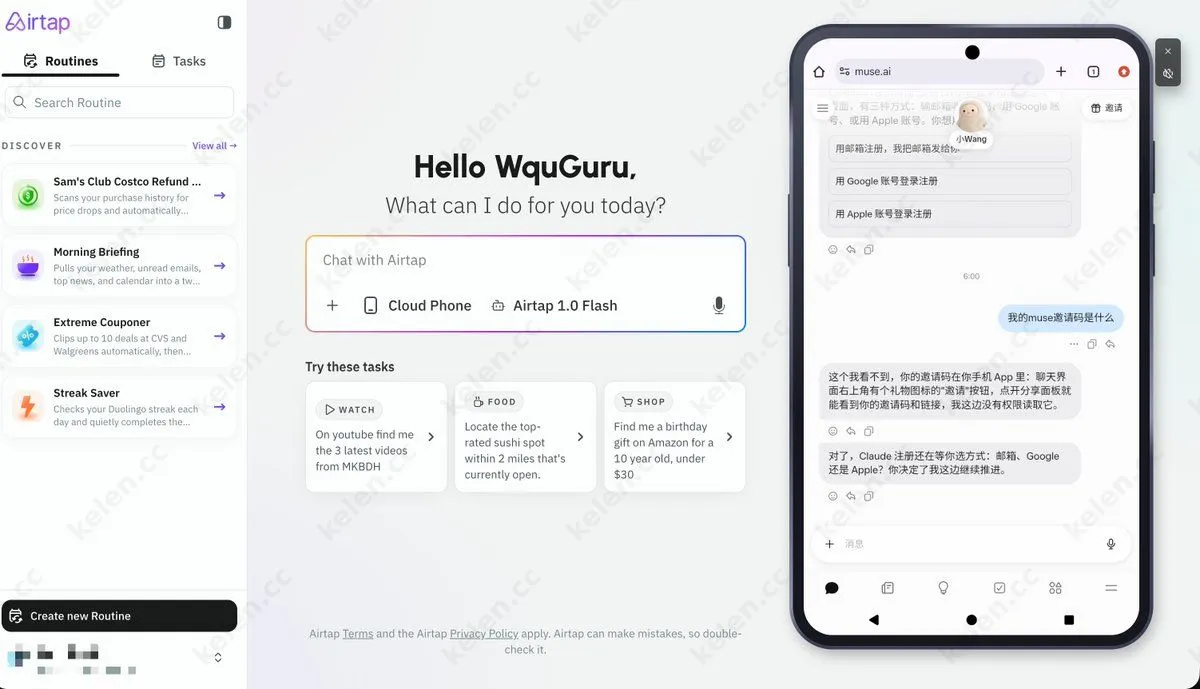
Airtap provides a cloud phone platform and is currently completely free. First, visit https://airtap.ai/app to register an account. After entering the dashboard, launch a cloud phone, open muse.ai on the cloud phone, and register. Whether it works depends on your luck.
Method 3: lexmount (Tested and working)
- Open browser.lexmount.com in a browser and sign in with a Google account.
- In the console, you can see that Open Muse .ai is already built in. The proxy is enabled by default, so simply click run.

- Proceed directly to the Muse registration process and register with an email address. Your age will be verified, and a bank card may also be required. It is recommended that you use a U card here rather than an important bank card. Fortunately, I passed directly without being asked to link a bank card.
Using hyperbrowser
Open a browser and visit https://www.hyperbrowser.ai/, then choose Google authorization to sign in.
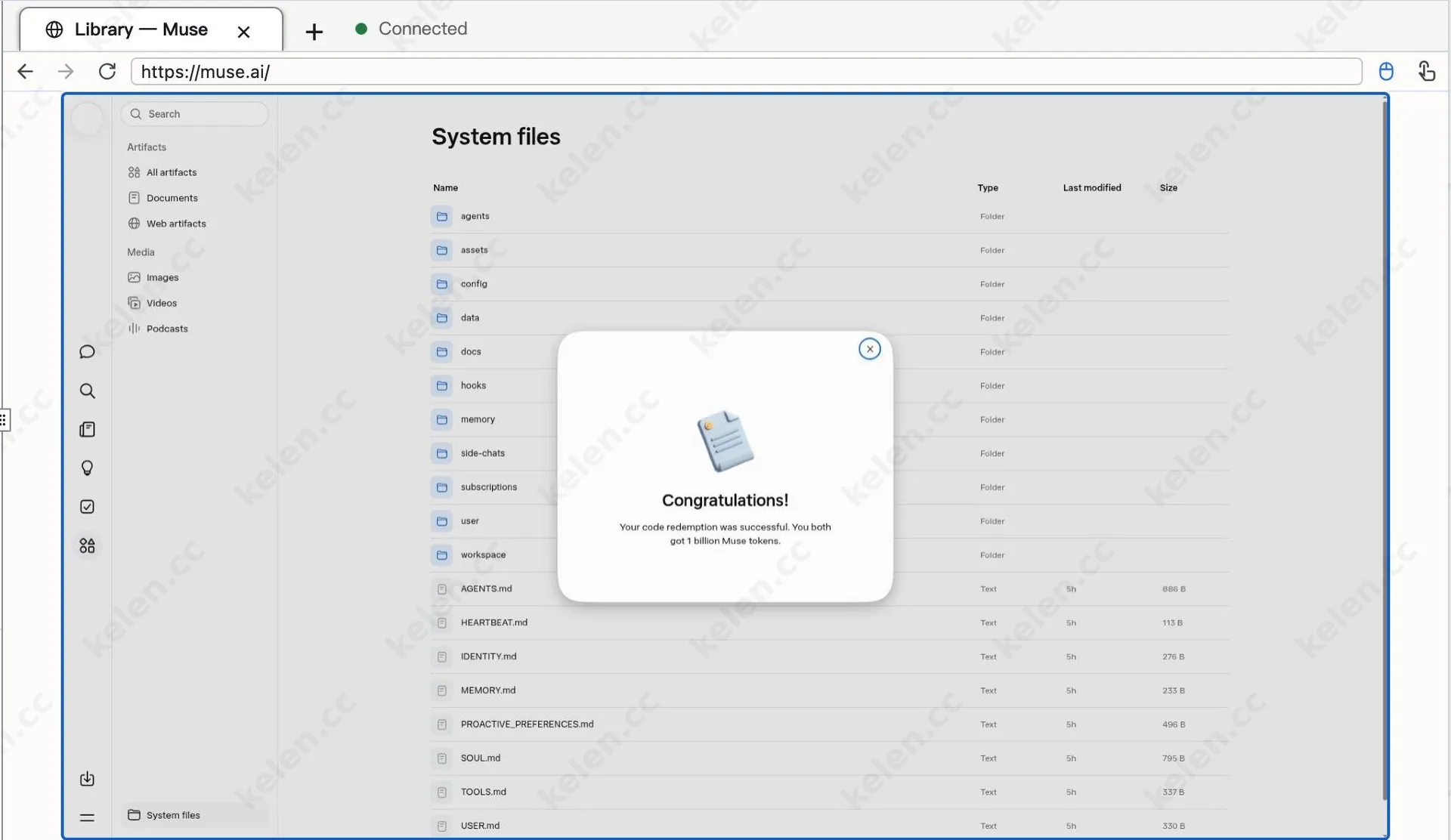
Click “Playground” to enter the cloud browser, change the address in the code to muse.ai, then click the browser to the right of run near the upper center. Click the full-screen button in the lower-left corner to run it, and you can register for muse.
Claiming 30 Billion Tokens
- Enter someone else’s invitation code to receive 1 billion tokens. You can use my invitation code first: VA6OCS
- Then click the invitation option in the upper-right corner of the page or the client session window, or use your own invitation link/invitation code. If a friend registers, you can also receive 1 billion tokens per person, for a total of 30 billion.
Summary
Trying the methods above to register for muse will greatly increase your chances of success. It is worth noting that linking a bank card is subject to chance, and you must ensure that you are over 18. Therefore, when selecting your date of birth, it is best to choose a later month and day.